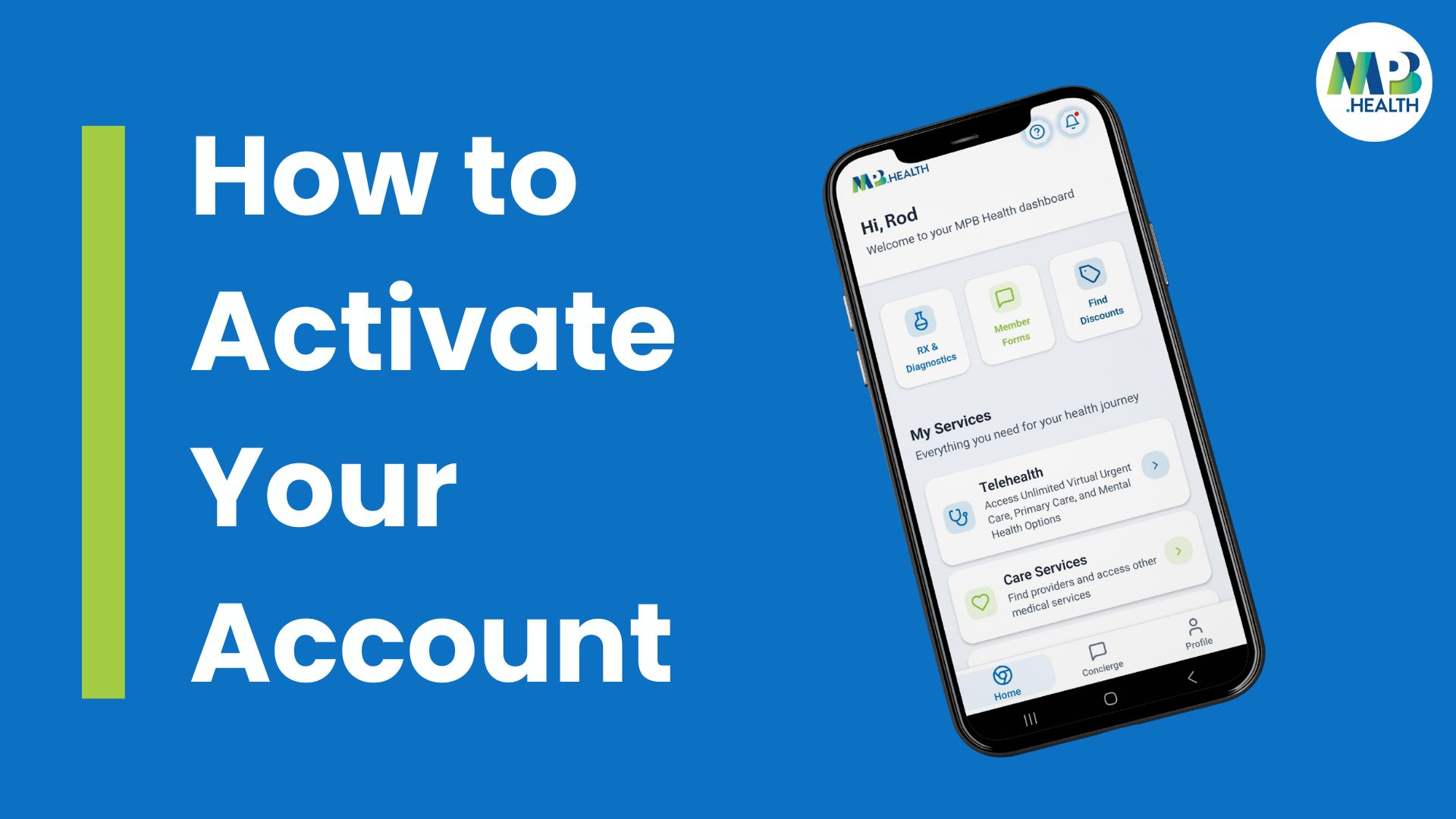
Step 1: Download the App
Search for MPB Health
Download and install the app on your device
Step 2: Create Your App Login
Open the app and scroll to the bottom of the screen.
Select “Create App Login.”
Step 3: Verify Your Membership
To verify your membership, you will need one of the following:
Your Member ID, or
Your email address and date of birth
Once your membership is verified, you’ll be prompted to create your account.
Step 4: Create Your Account
Use the same email address you used when enrolling
Create a secure password
After completing these steps, your account will be created.
Step 5: Sign In
You can now sign in to the app and begin using your MPB Health benefits.
Important Note
Even if you have used a previous MPB Health app, you will still need to create a new app login.
Need Help Getting Started?
If you have trouble downloading the app, logging in, or navigating features, our Concierge team is here to help guide you every step of the way!
📞 Concierge: 1-800-519-2969
📧 Email: concierge@mympb.com
🌐 Member Portal: https://app.mpb.health/